Fust Survival Controls
Keybinds, HUD starter goals, map use, and practical input tips for wipe servers.
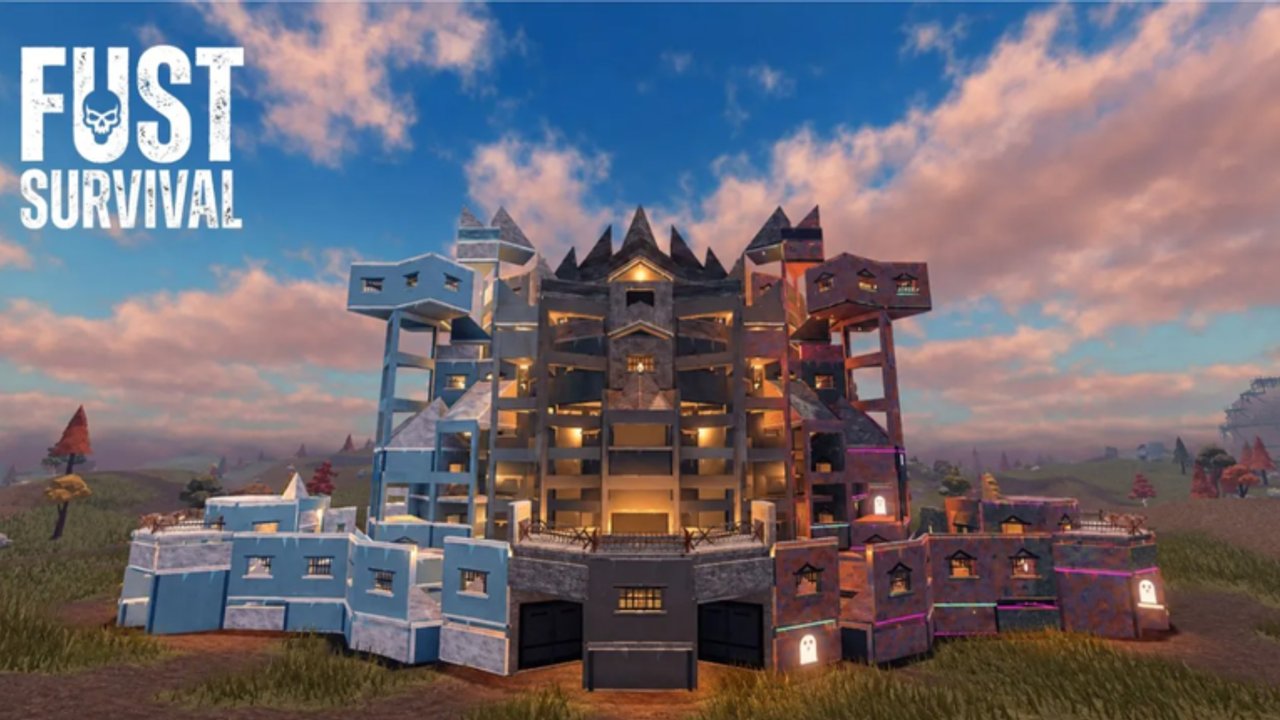
Fust Survival rewards players who stop fumbling menus under pressure. You spawn on a beach with a rock and a torch, the HUD pushes starter goals, and up to 100 other players share the server until Friday wipe. This controls guide lists the core binds, explains HUD and map habits, and ties inputs to the survival loop so you can jump into getting started without relearning keys every death.
Roblox may overlay extra platform binds (shift lock, mobile buttons, controller mappings). Treat the table below as the PC gameplay vocabulary used across this wiki. If a local setting remaps a key, match the action name, not the letter.
Core controls table
| Action | Default key / input | What it does in Fust Survival |
|---|---|---|
| Swing / gather / attack | LMB (left mouse button) | Chop trees, mine nodes, swing tools and weapons |
| Open crafting | Q | Opens the crafting menu and category tabs |
| Inventory | TAB | Manage carried items, hotbar, and loot transfers |
| Use / open / interact | E | Open doors, furnaces, Tool Cupboards, bags, crates, recyclers |
| Map | M | Open the map for orientation and route planning |
| Movement | WASD | Standard movement |
| Look | Mouse | Camera aim for placement and combat |
| Hotbar select | Number keys (typical) | Equip Building Plan, tools, charges, locks |
Master five inputs first: LMB, Q, TAB, E, M. Everything else is refinement.
HUD notes: STARTER GOALS
New characters often see starter goals on the HUD. They are not flavor text. Typical early targets include:
- 250 Wood
- 100 Stones
- Craft Building Plan
- Place foundation
- Place door
- Place Tool Cupboard
- Place sleeping bag
Play the HUD like a checklist. Gather with LMB, craft with Q, place with the Building Plan equipped, interact with E to manage the Tool Cupboard and bag. When a goal completes, glance at the next one before you wander toward a contested monument. Full walkthrough: getting started.
Map (M) habits that keep you alive
Open M after every spawn and after every long run:
- Mark where your base sits relative to beach spawn.
- Avoid running the same ridge every circuit once it becomes a highway.
- Estimate distance to player-reported monuments (Outpost, harbor, oil rig) before you commit naked.
- After death, use the map to decide whether a body retrieve is sane or a donation.
Solos especially should treat the map as a third teammate — see solo survival.
Crafting menu (Q) under pressure
Press Q to open categories: ALL, TOOLS, WEAPONS, CLOTHING, DEPLOYABLES, BUILDING, ITEMS. Tips:
- Filter by category instead of panic-scrolling ALL while someone doors you.
- Pre-learn where Building Plan, Hammer, Key Lock, Tool Cupboard, and Gun Powder live.
- Confirm recipe costs live — server rates can vary from wiki baselines such as Stone Pickaxe Wood 200 + Stones 100 or TC Wood 1000.
- Close the menu before you peek. Menu tunnel vision is a leading cause of funny deaths.
Deep recipe help: crafting.
Inventory (TAB) and death
TAB is where raids are won or lost after the boom. Because death drops carried items:
- Keep sulphur and gun powder out of your pockets unless you are actively using them.
- After a gather loop, TAB-transfer into base storage under TC privilege.
- Before a fight, TAB down to a kit you can afford to drop.
- After a win, TAB the valuables and leave; do not stand still sorting skins.
Interact (E) checklist
Use E deliberately:
- Open / close doors (and verify Key Lock state).
- Open furnace fuel and smelt slots.
- Access Tool Cupboard authorization and upkeep.
- Deploy or interact with sleeping bags.
- Open crates and monument interactables when you farm loot.
Mis-tapping E on a door while a stranger is behind you is an airlock skill issue. Practice the two-door rhythm from base building.
LMB gathering and combat feel
LMB swings whatever you hold:
- Rock on trees and stones at spawn
- Stone Hatchet on trees for Wood / Cloth
- Stone Pickaxe on stone, metal ore, and sulphur (yellow crystals on grey rock)
- Weapons when you choose a fight
Gather rhythm: swing, step, listen. Holding W into a node with tunnel vision is how spears find your back. Resource detail: resource gathering.
Building Plan and Hammer inputs
- Craft Building Plan and Hammer via Q.
- Hotbar the Building Plan.
- Ghost foundations, walls, doors, roofs; confirm placement with the usual click confirm flow.
- Hotbar the Hammer to upgrade twig-grade pieces toward wood.
- E-manage TC and locks after the shell exists.
If placement ghosts refuse a spot, move to flatter ground instead of fighting the cliff.
Practical tips that save the first wipe
- Rebind nothing critical until you can survive an hour on defaults.
- Practice Q → craft Stone Pickaxe → close menu → mine without looking at the keyboard.
- After every respawn, M for orientation, then bag path if you have one.
- Never open TAB in the open when you can hear footsteps.
- When raiding, pre-hotbar charges so you are not searching Explosives recipes on the enemy porch — see raiding.
- On mobile or controller, find the on-screen equivalents of Q, TAB, E, and M before you enter a 100-player peak hour.
Controls in the wider loop
| Goal | Inputs you spam |
|---|---|
| Starter goals | LMB gather, Q craft, Plan place, E on TC/bag |
| Farming | LMB, TAB bank, M routes |
| Base work | Plan, Hammer, E locks |
| Raids | Hotbar charges, E loot, M escape |
Return to the Guides Hub when you need systems beyond binds.
Learn the five keys until they are boring. Boring inputs are how solos and small groups outlive louder players on wipe night.
Frequently Asked Questions
Quick answers about surviving, building, and raiding in Fust Survival.
How do I gather resources?
Use left mouse button (LMB) to swing your rock or tools at trees and ore nodes. Craft a Stone Hatchet and Stone Pickaxe via Q for faster gathers.
How do I open crafting and inventory?
Press Q for the crafting menu and TAB for inventory. Use crafting categories like TOOLS, DEPLOYABLES, and BUILDING to find recipes faster.
What does the E key do?
E uses or opens objects: doors, furnaces, Tool Cupboards, sleeping bags, crates, and other world interactables.
How do I open the map?
Press M to open the map. Use it after spawns and before monument runs so you do not get lost on a 100-player server.
What are the HUD starter goals?
Early goals typically track 250 Wood, 100 Stones, crafting a Building Plan, and placing a foundation, door, Tool Cupboard, and sleeping bag. Follow them before long PvP detours.